From your book.
Your saved place and words follow the book you’re reading in Zaban.
The book you’re reading. The words you’re learning.
Now part of your Home Screen.
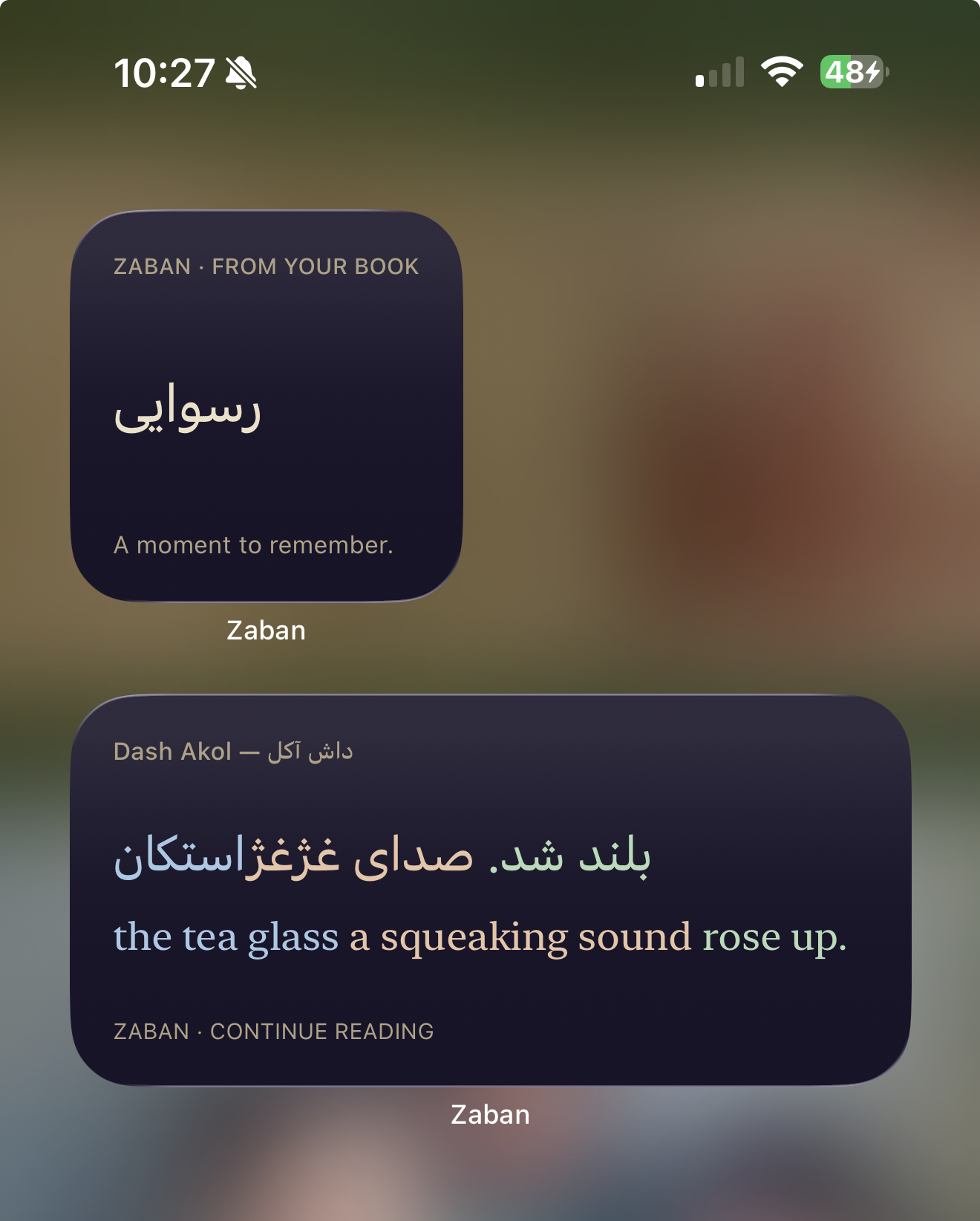
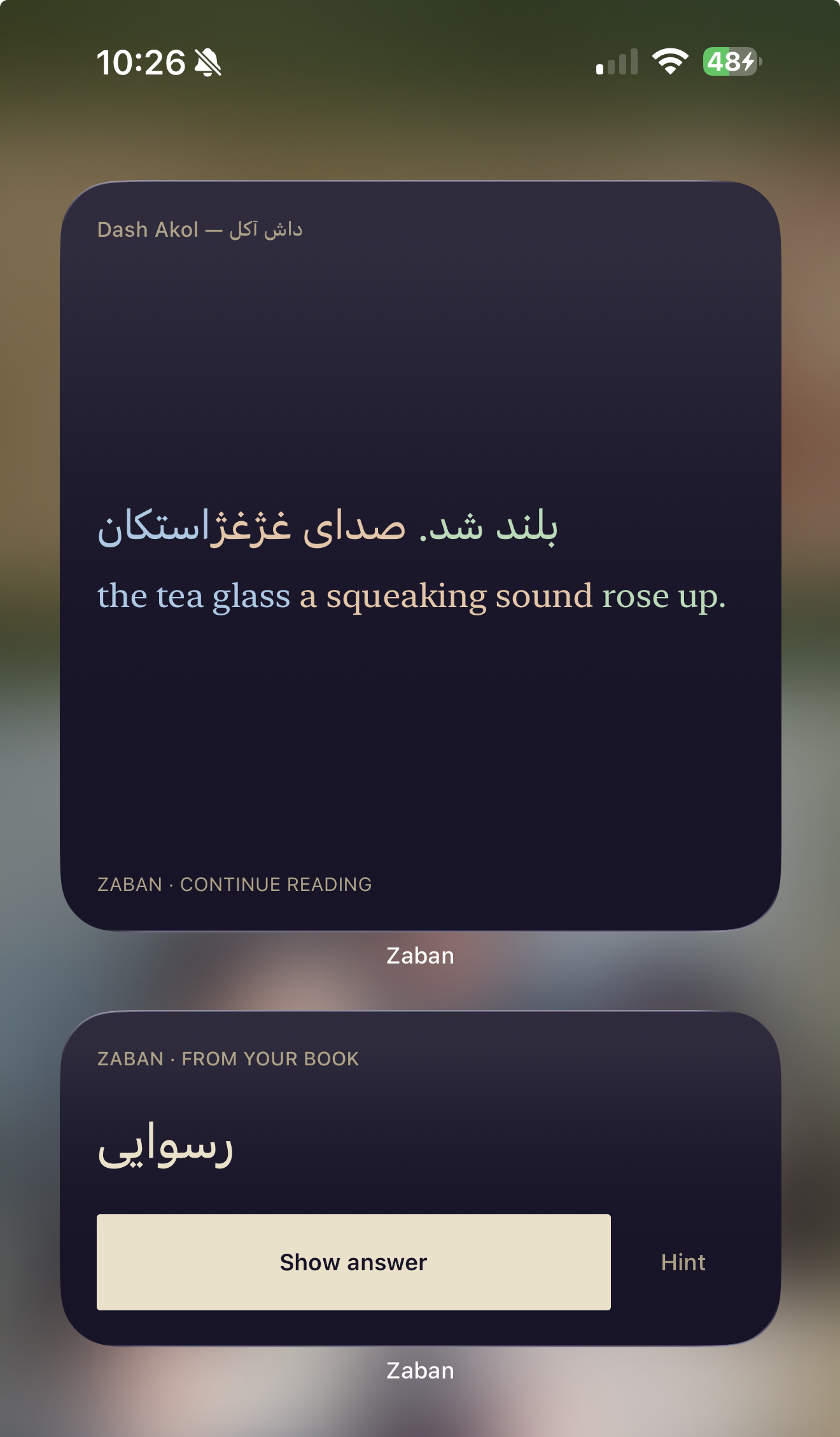
A sentence before you head out. A word while you wait.
Zaban widgets bring a little of your current book into your day, right where you’ll see it.
Your place in the story, kept close. See your bookmarked passage with the language you’re learning above its translation. Matching colors connect the phrases.
Your bookmark. In a size that feels at home.
Keep a word from your book in sight. With the medium widget, reveal its meaning, get a hint, and tell Zaban how well you remember it. All from your Home Screen.
Go on. Try a word.A demonstration on this page. Nothing you rate here is saved.
Your saved place and words follow the book you’re reading in Zaban.
A word to keep in view, or a quick review. Choose the widget that suits your day.
Your widgets follow Zaban’s light or dark appearance. A familiar little corner of your screen.
Open Zaban on your iPhone first.
Then make it part of your Home Screen.
Touch and hold your Home Screen, then choose the option to add a widget.
Search for Zaban and choose the Reader or Flashcards widget.
Pick a size, add it, and place it wherever a little language fits.
Interactive flashcards require iOS 17 or later and a version of Zaban that includes widgets. Reviews sync the next time you open Zaban.
New ideas. Thoughtful improvements.
Find out what’s new at Zaban.